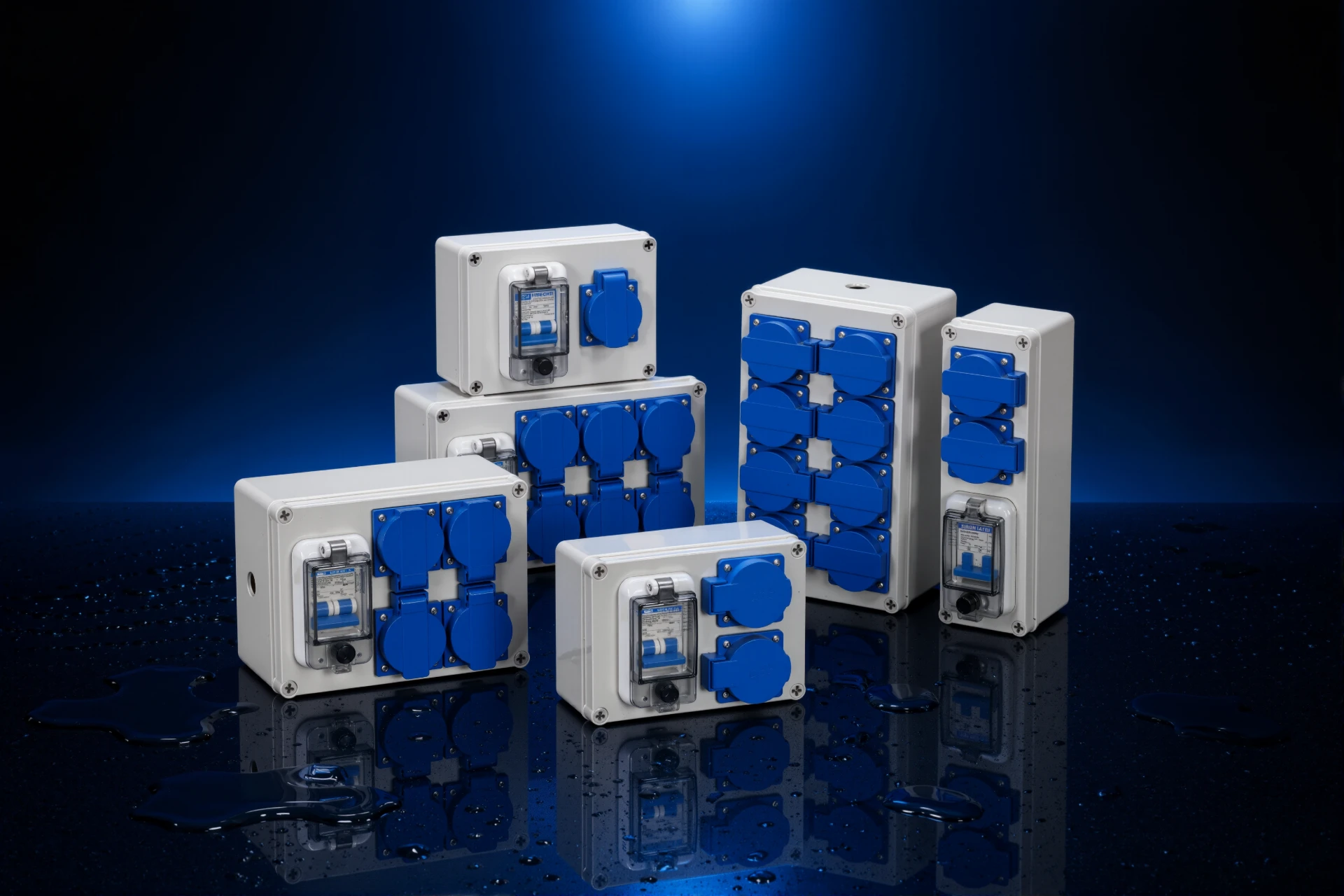
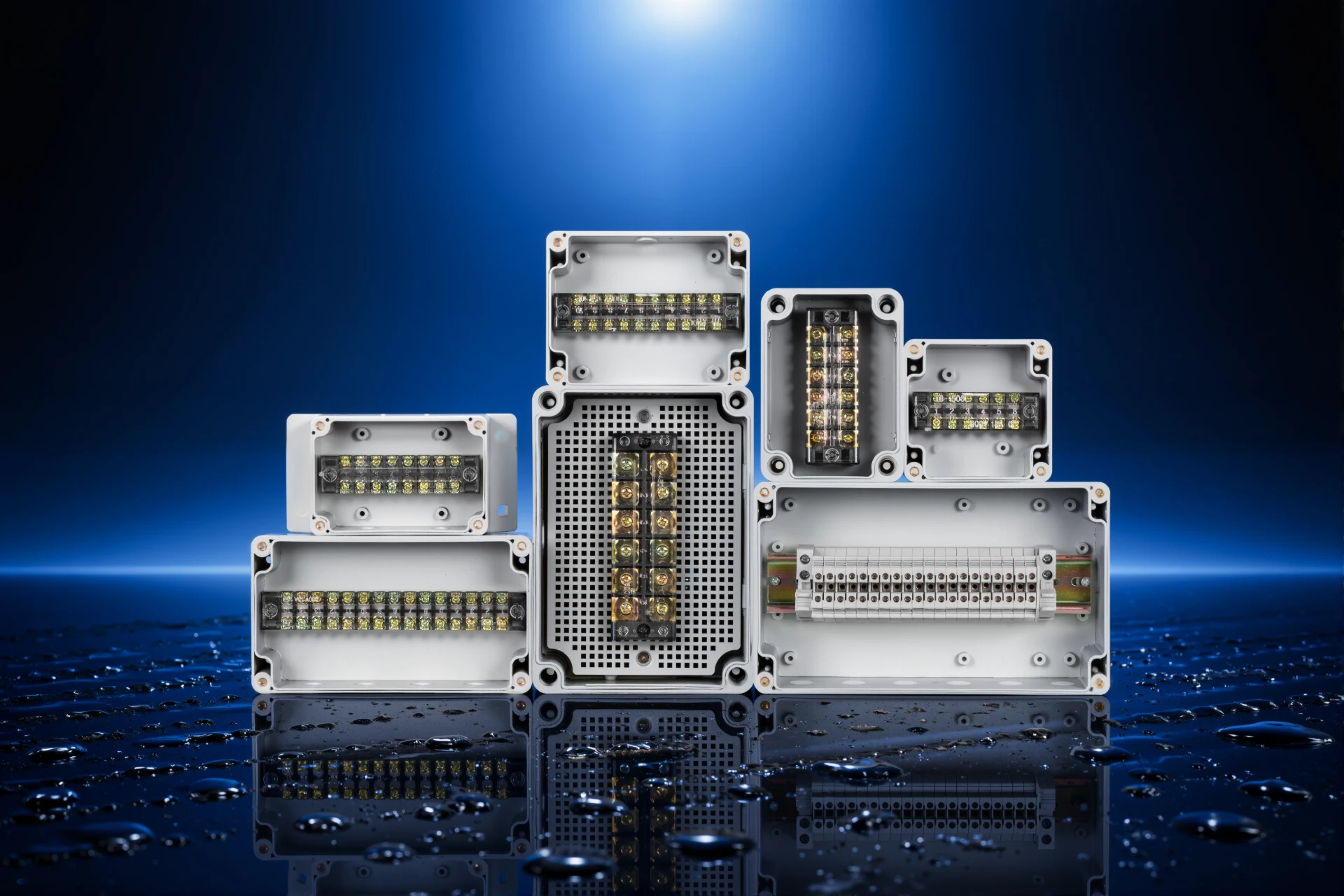
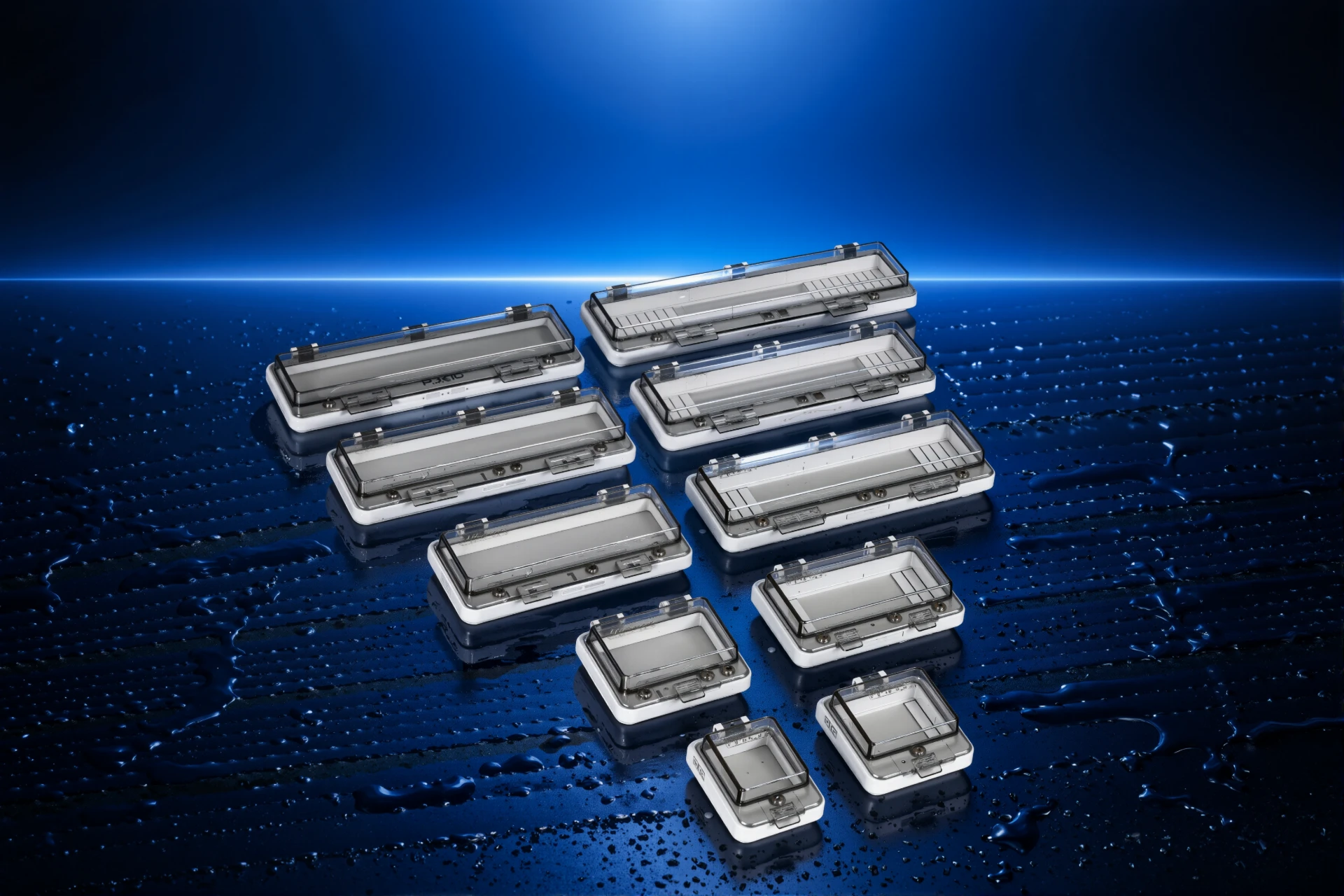
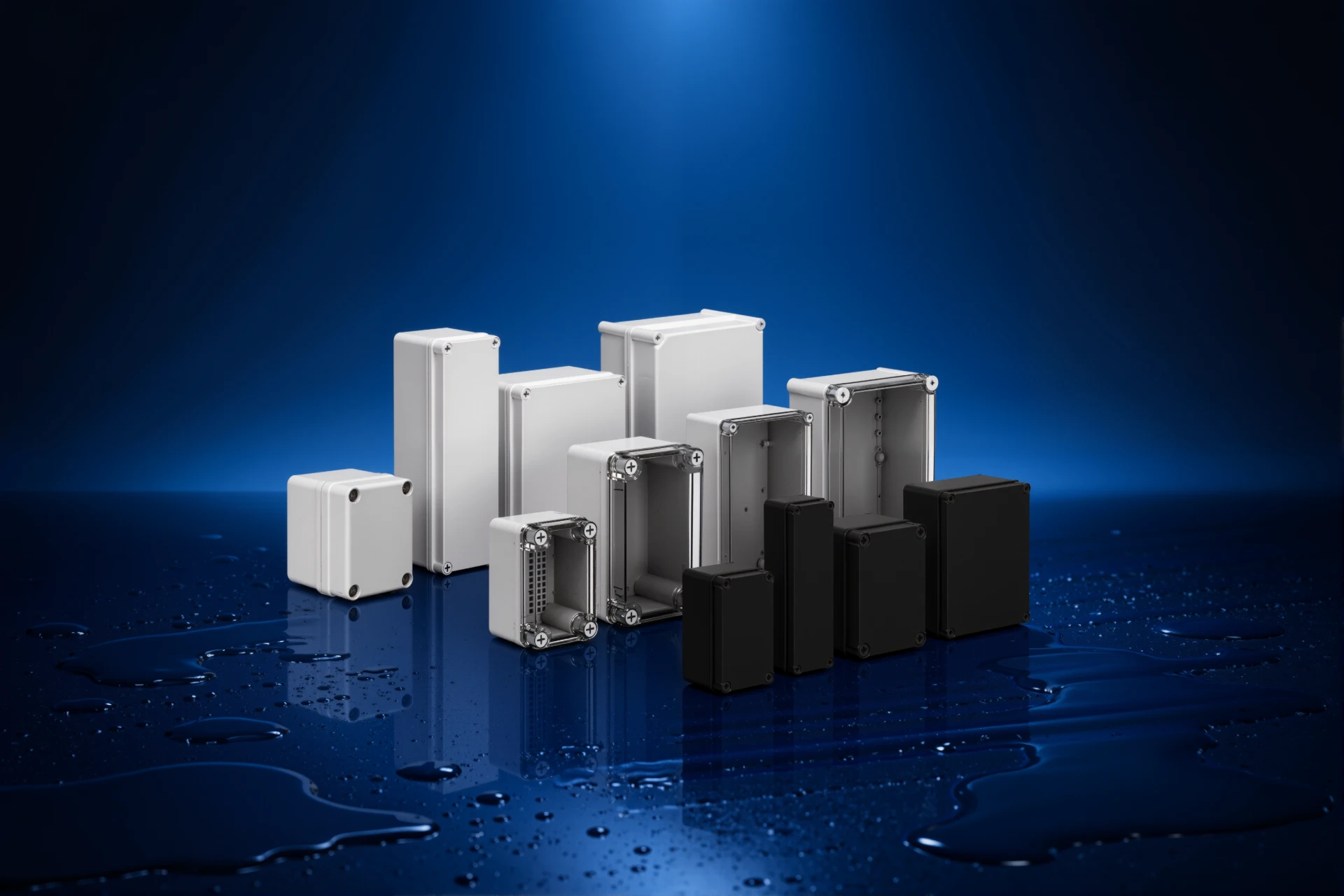
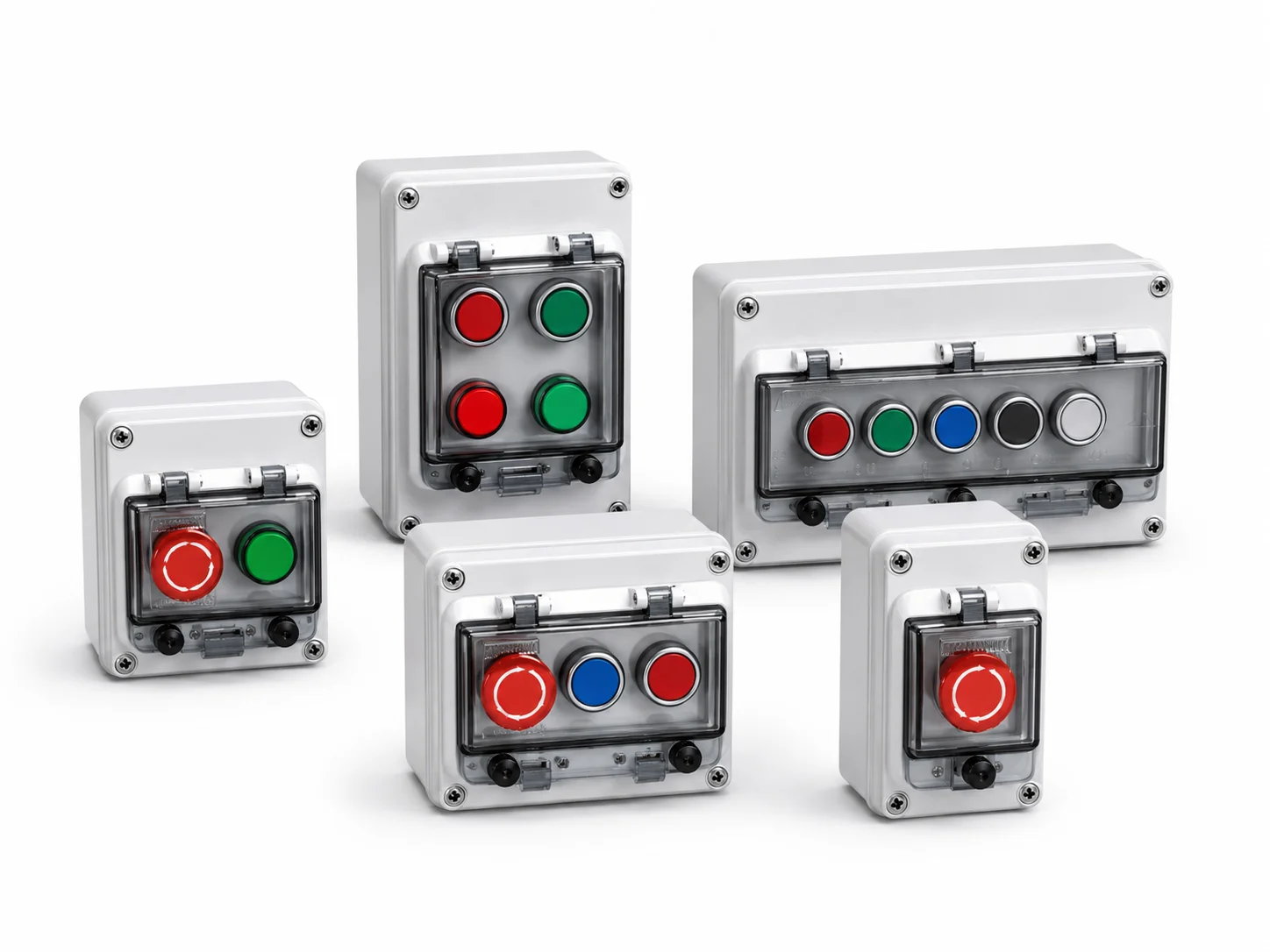
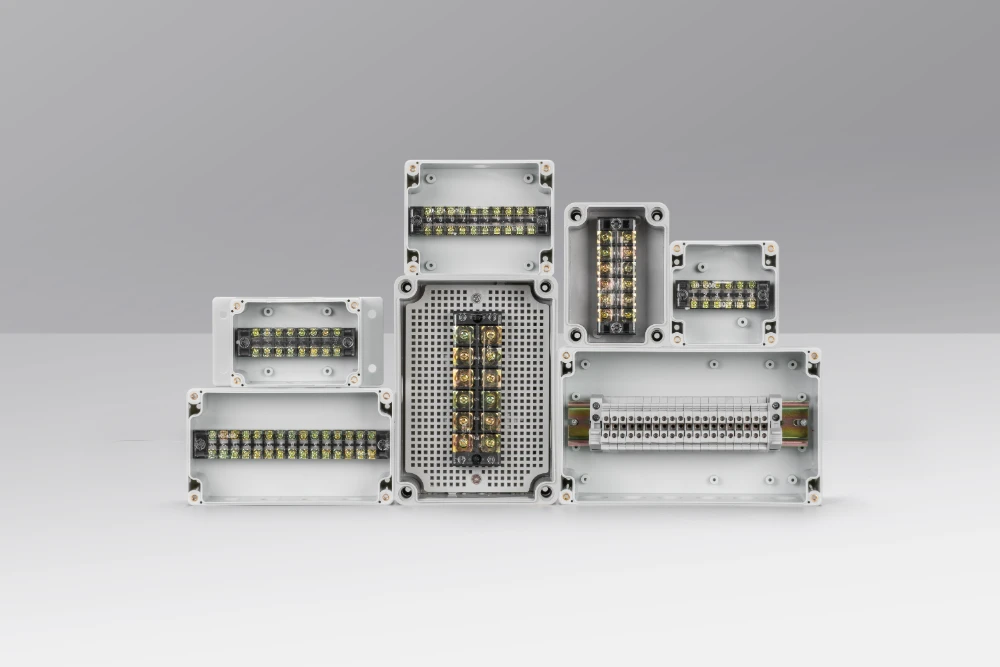
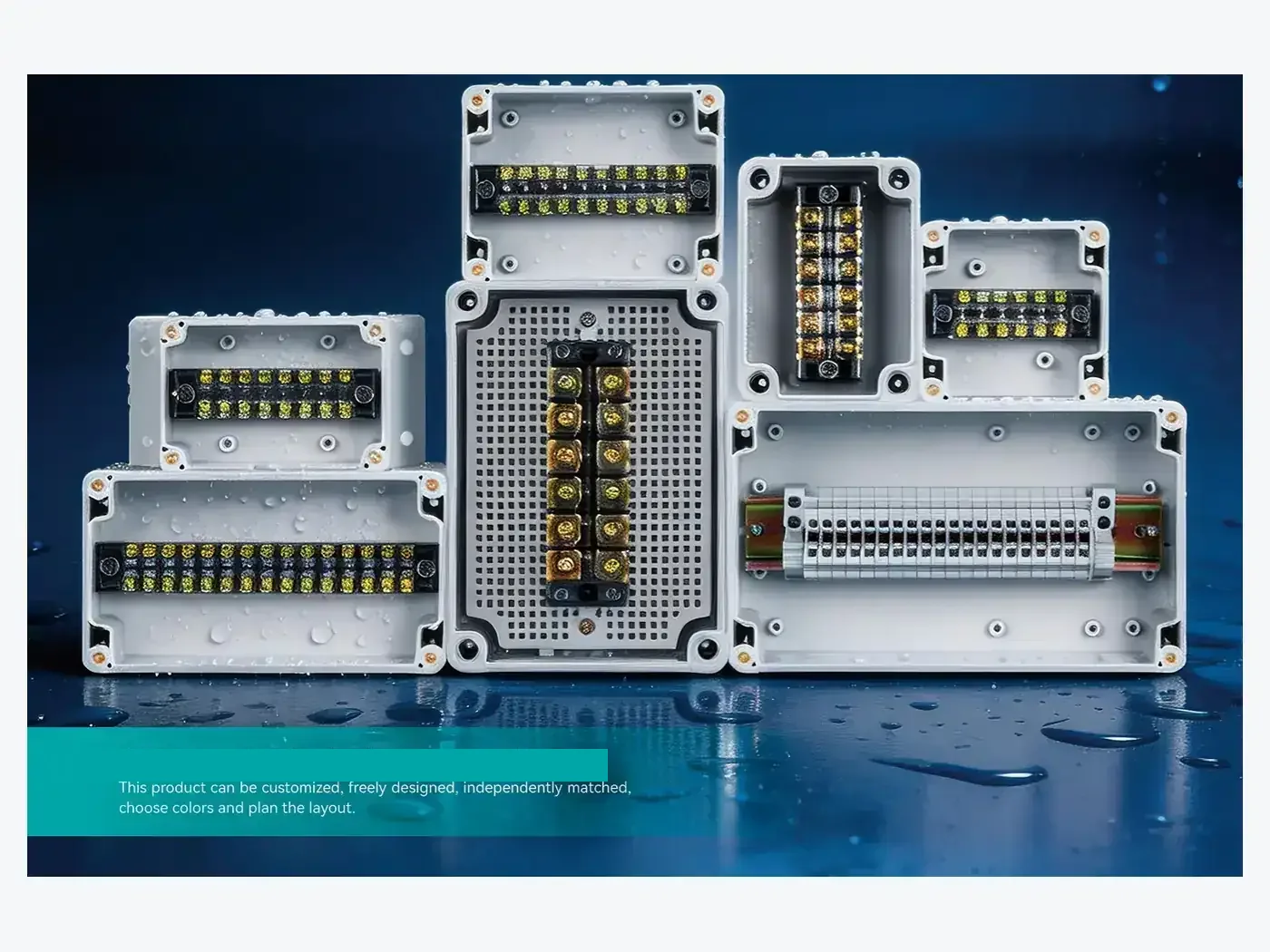
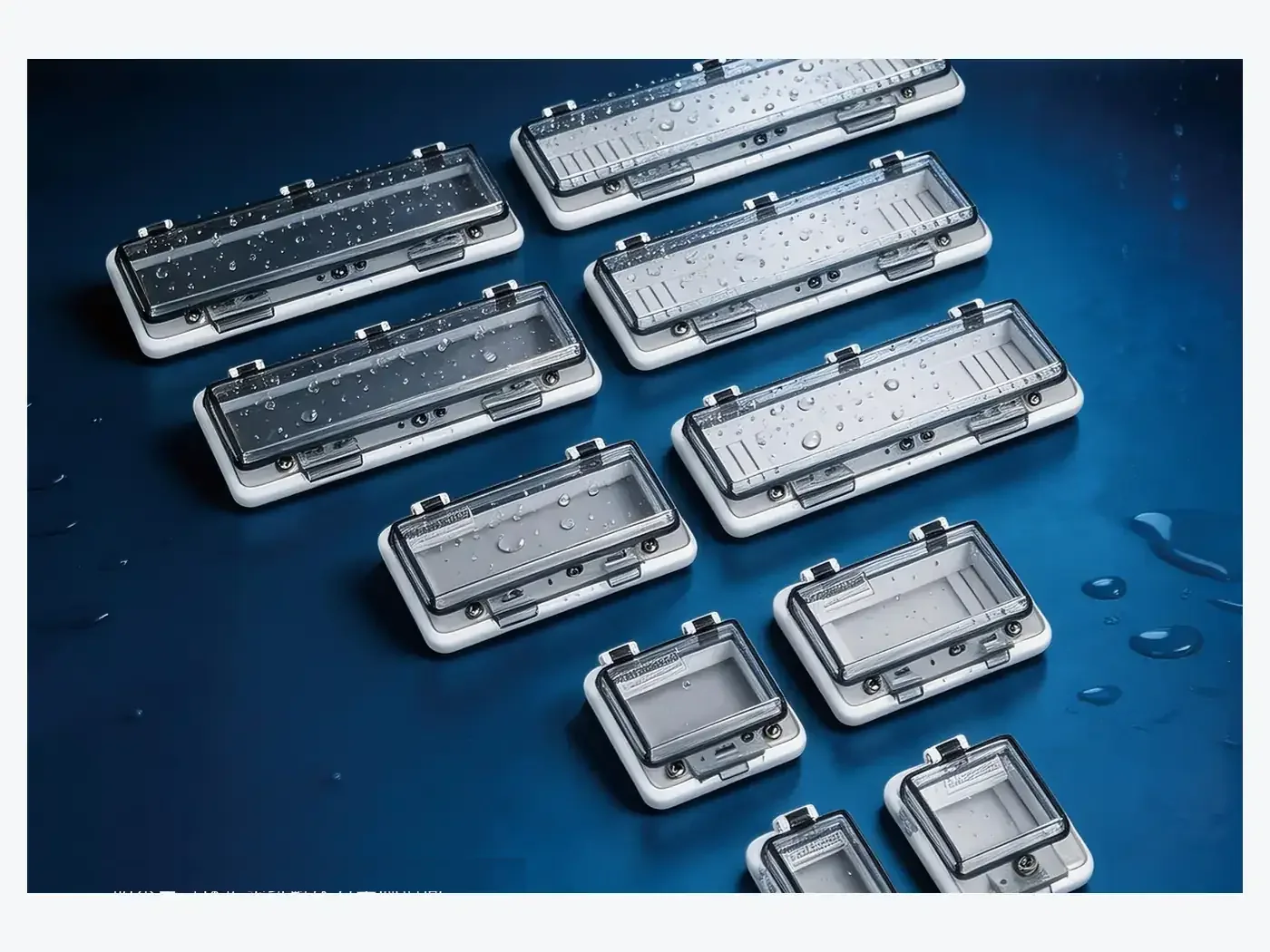
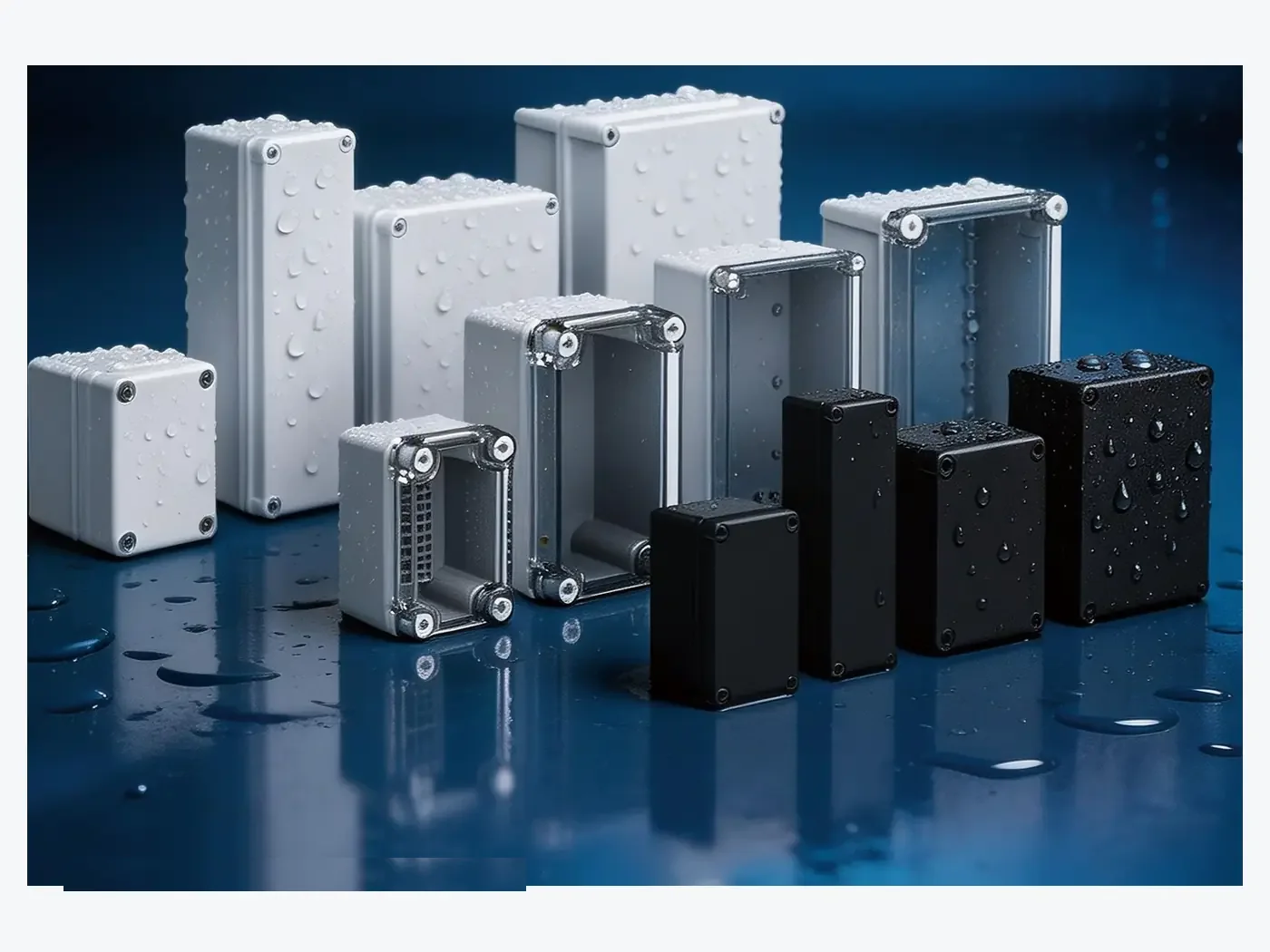

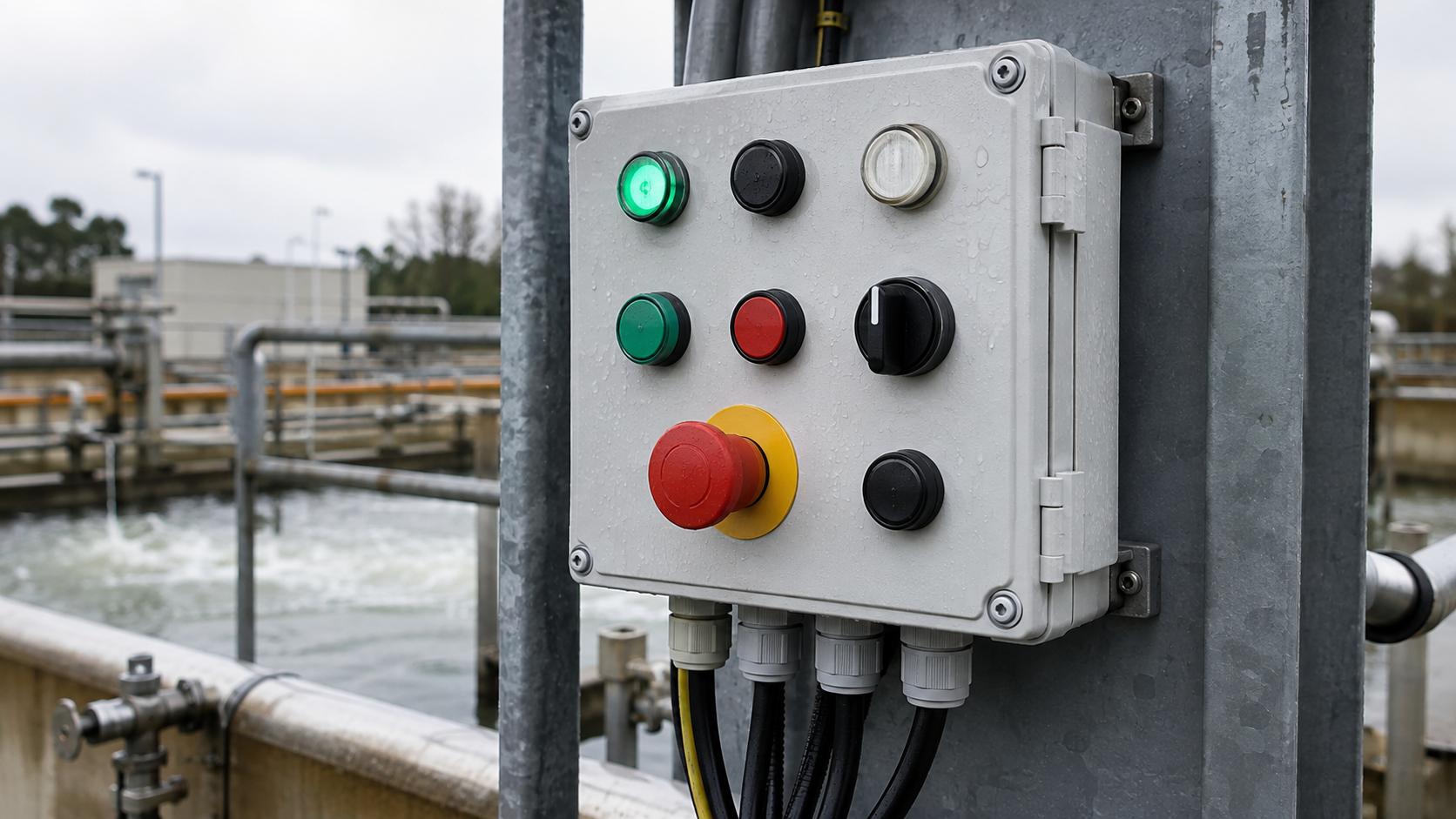
A push button control station is specified from the machine outward: the local functions the operator needs at that position, the number of operators that follow from them, and the panel layout that keeps each function in a predictable place. For an OEM machine builder the station is one of the few operator-facing parts of the machine, so the same layout has to repeat on every unit and every repeat order.
This article covers how to specify a control station for OEM machinery: the function list, operator count, front-panel layout, cable entry, contact-block depth, and the details worth fixing before the first production run.
Start with the Local Function List
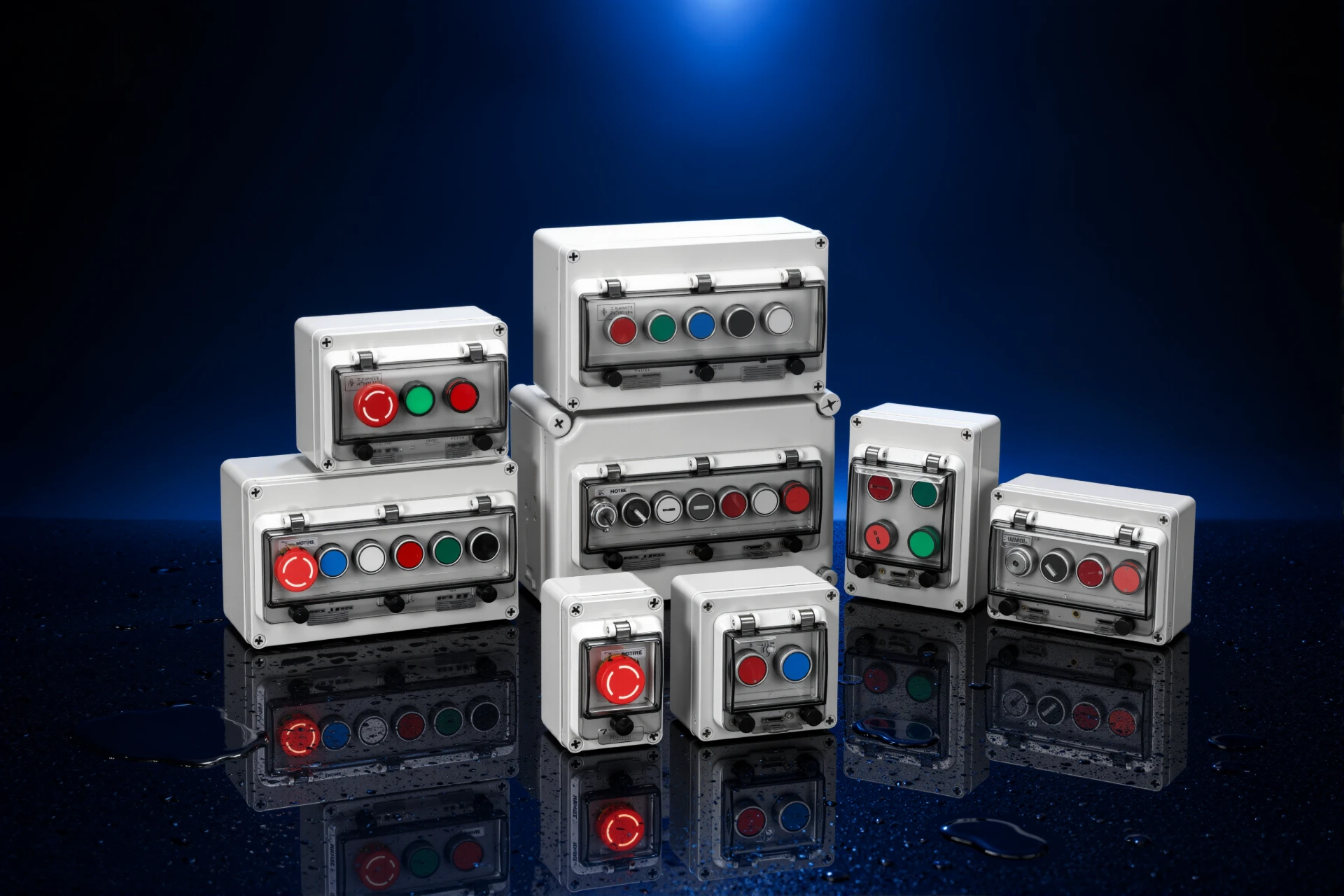
The function list comes before the enclosure. It records which local controls the machine needs: start and stop, reset, mode selection, jog or inch, pilot indication, and the emergency-stop device. Each function then maps to one operator position on the front panel.
From that list the specification follows:
- Number of operator positions and operator types
- Front-panel layout and the position of the emergency stop
- Cable-entry direction and the number of entries
- Depth required behind the panel for contact blocks, terminals and emergency-stop wiring
- Marking and labelling on the cover
For OEM machine builders the same list is what makes a station repeatable: the layout, marking and mounting stay identical across every unit of the machine family and every repeat order.
Common Applications
Push button boxes are used across many industrial and commercial applications, including:
- Industrial machinery
- Automation equipment
- Conveyor systems
- Production lines
- Pumping systems
- Water treatment equipment
- Outdoor electrical equipment
- Material handling machinery
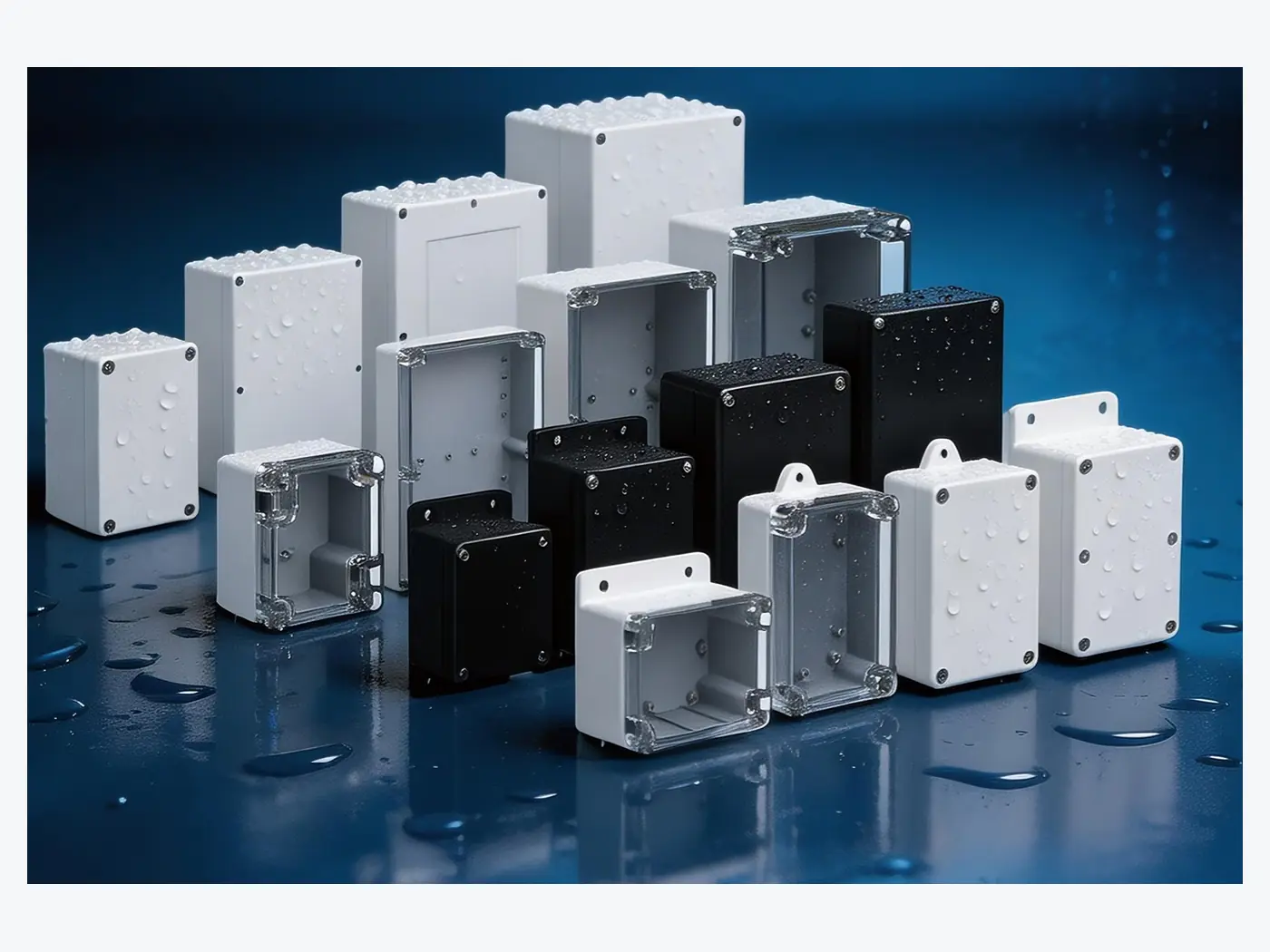
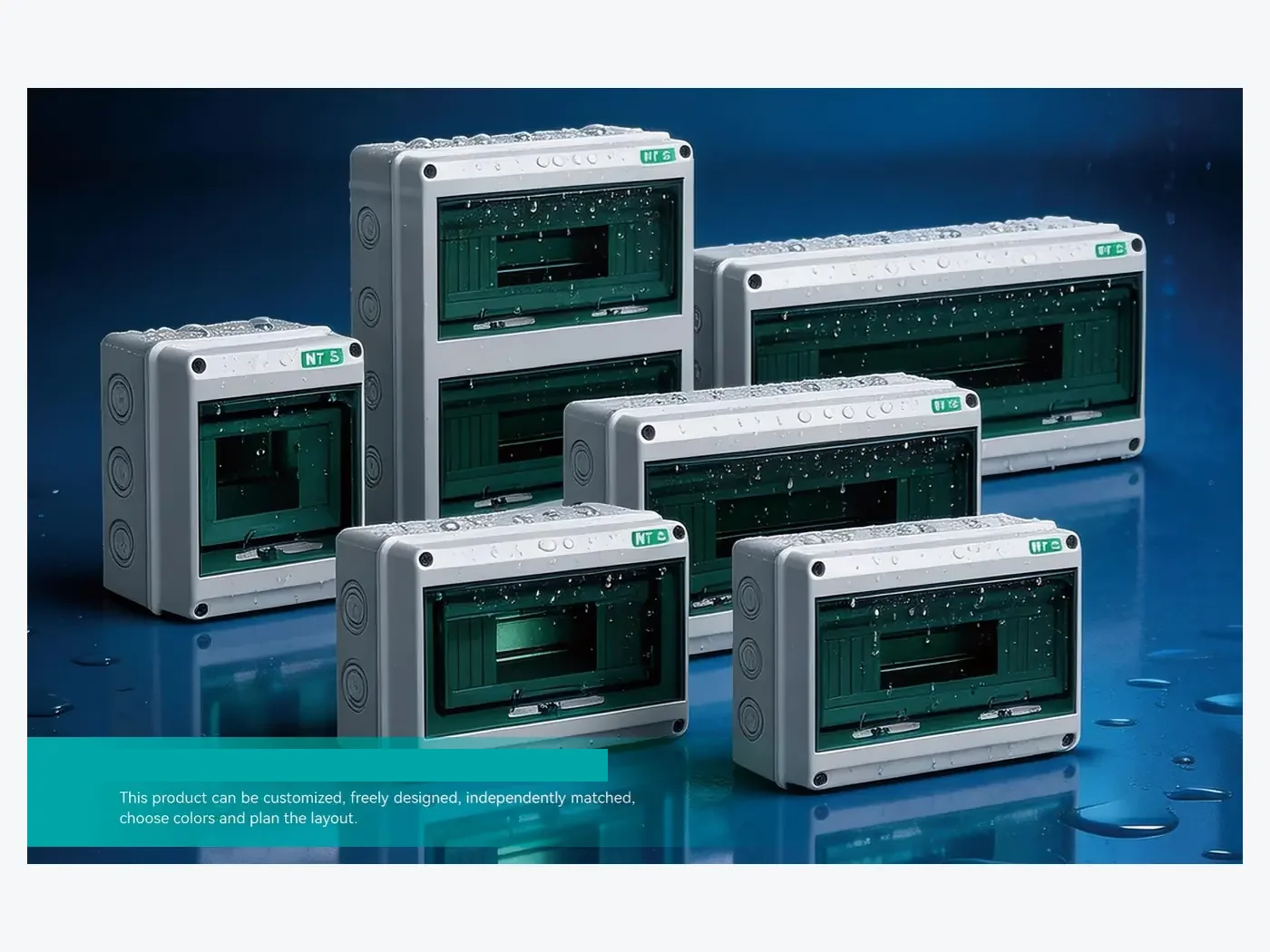
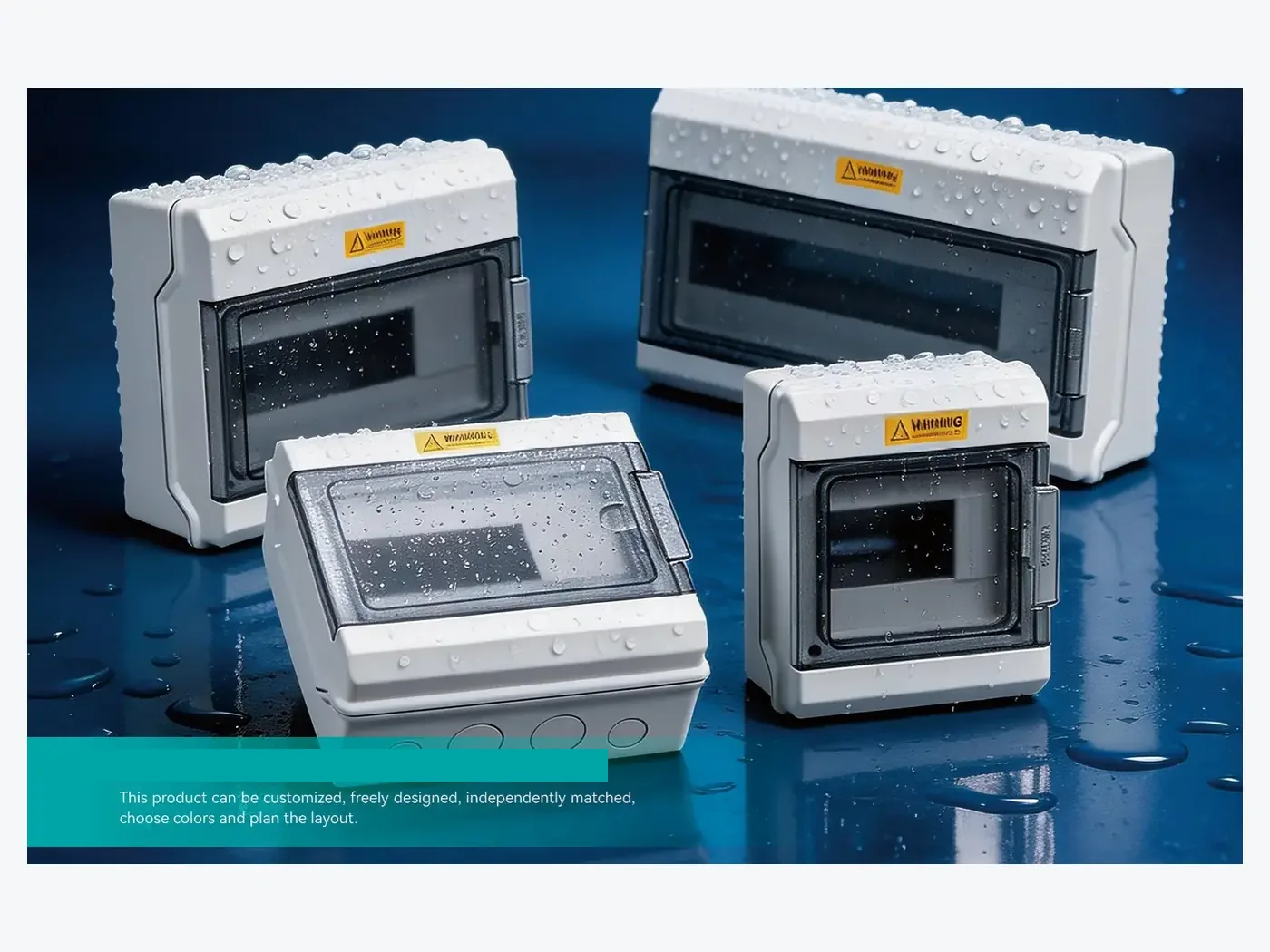
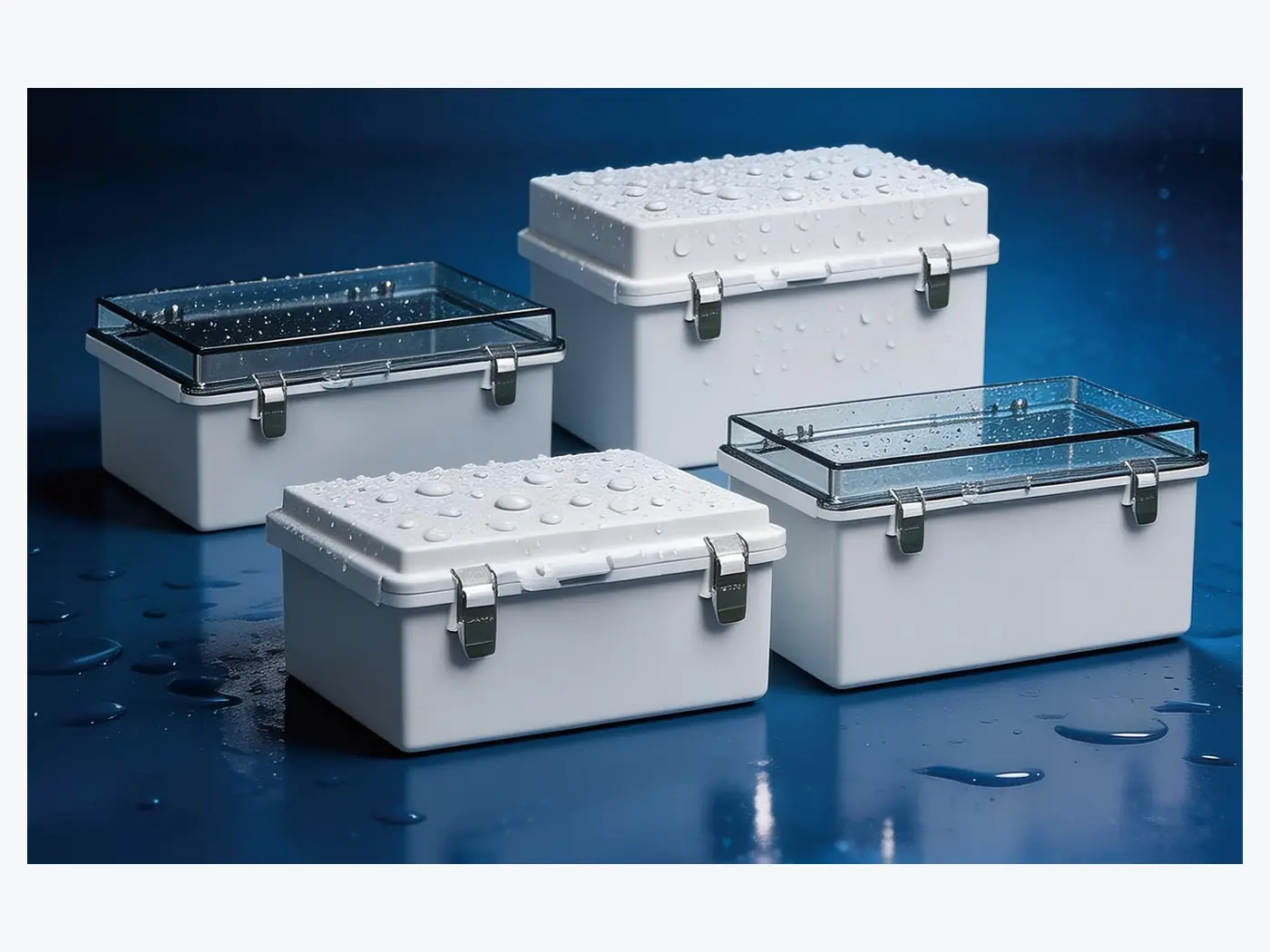
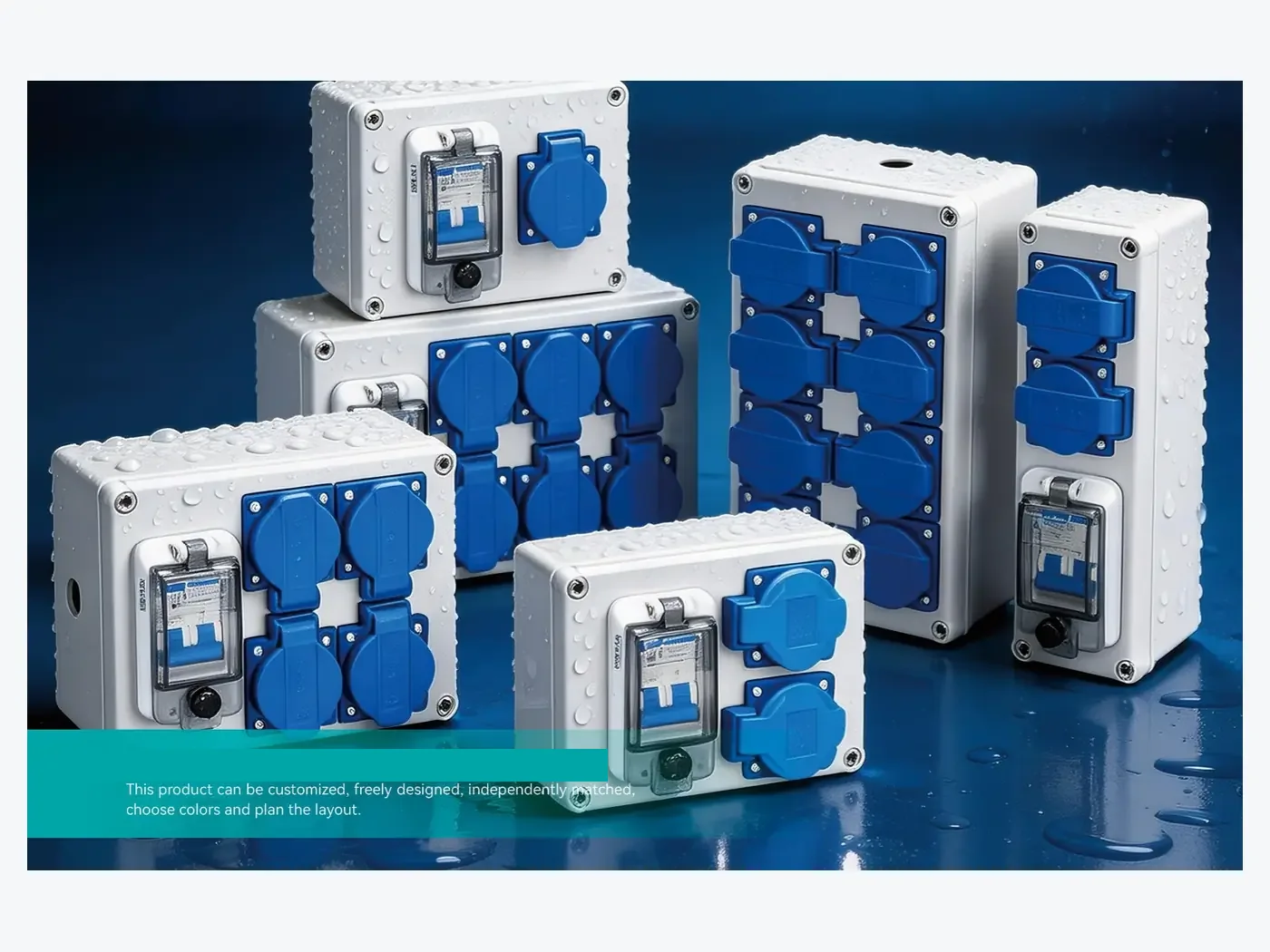
For outdoor or wet environments, a waterproof design can provide additional protection for the control components and wiring.
How to Specify a Push Button Control Station
1. Define the Operator Count from the Local Function List
First determine how many buttons and switches are required. A simple machine may only need start and stop buttons, while a more complex system may require multiple buttons, selector switches, indicator lights, and an emergency stop.
The button layout should provide enough space for comfortable and reliable operation.
2. Confirm the Protection Level for the Installation Position
For outdoor and industrial applications, the required IP rating should be considered carefully.
Dust, rain, water spray, humidity, and cleaning conditions can all affect the required protection level. The complete assembly, including buttons, cable glands, gaskets, and openings, should be considered when evaluating protection.
For more information, see our guide on how to choose an IP-rated waterproof junction box.
3. Confirm Material and Depth for the Contact Blocks
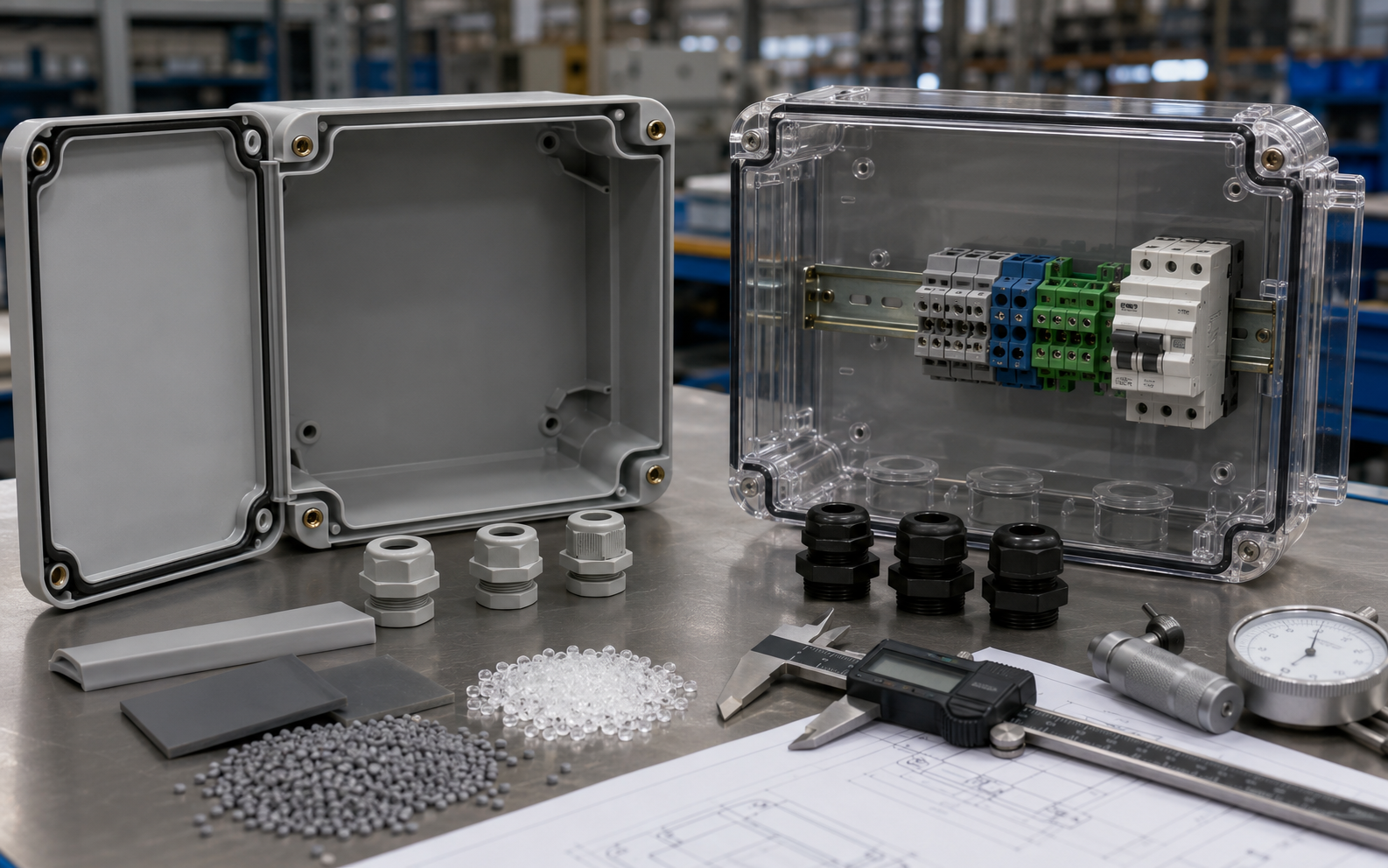
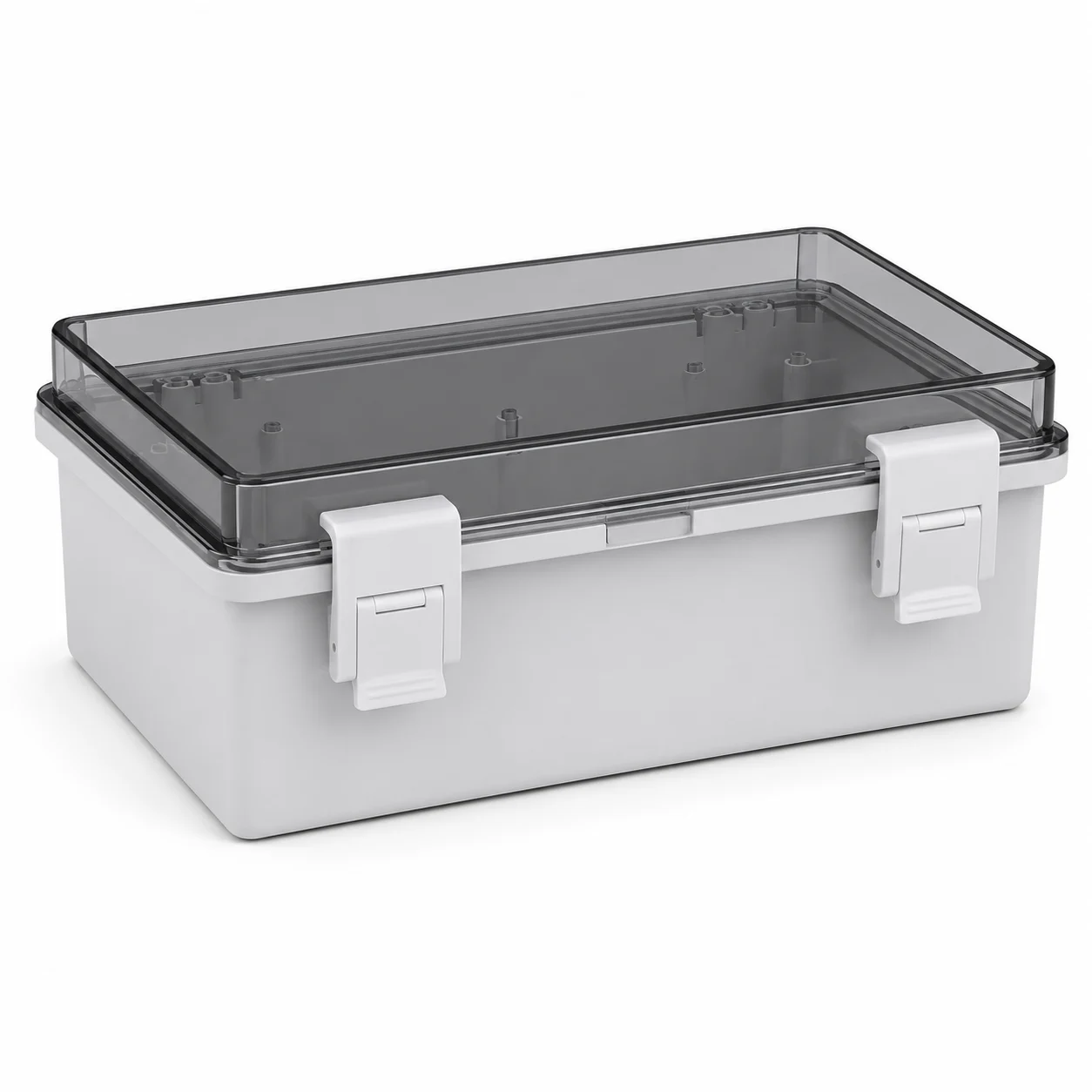
Plastic materials such as ABS and polycarbonate are commonly used for electrical enclosures.
ABS provides a practical balance of weight, mechanical performance, and cost, while polycarbonate is known for its strong impact resistance.
The appropriate material should be selected according to the actual application and environmental conditions.
4. Plan Cable Entry, Mounting and Standardisation Across the Machine Family
Cable entry is an important part of push button box design. The number and diameter of cables, cable gland size, entry position, and sealing requirements should be confirmed before production.
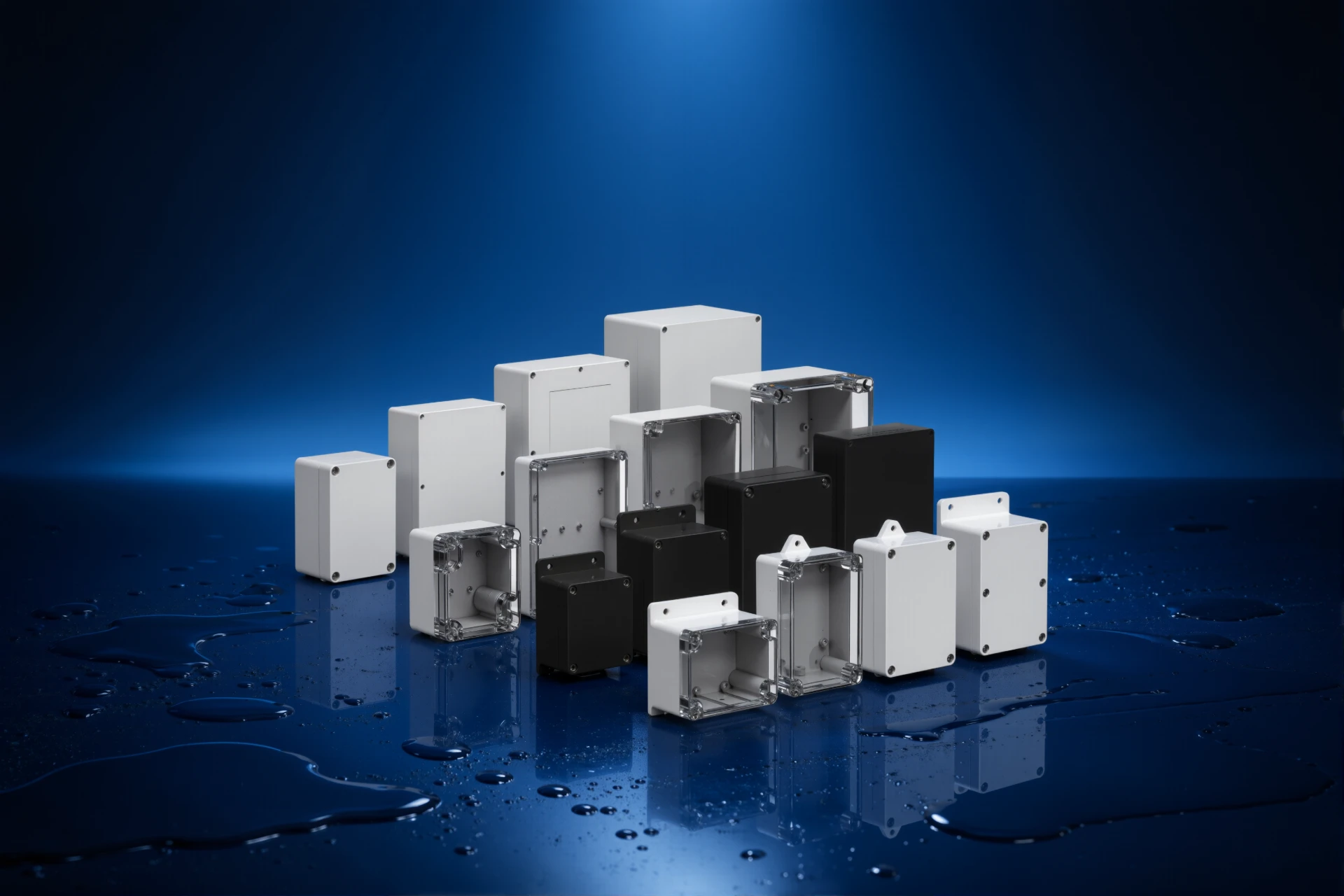
The mounting method should also match the equipment. Wall-mounted, machine-mounted, and portable configurations may require different enclosure designs.
Custom Push Button Boxes for OEM Projects
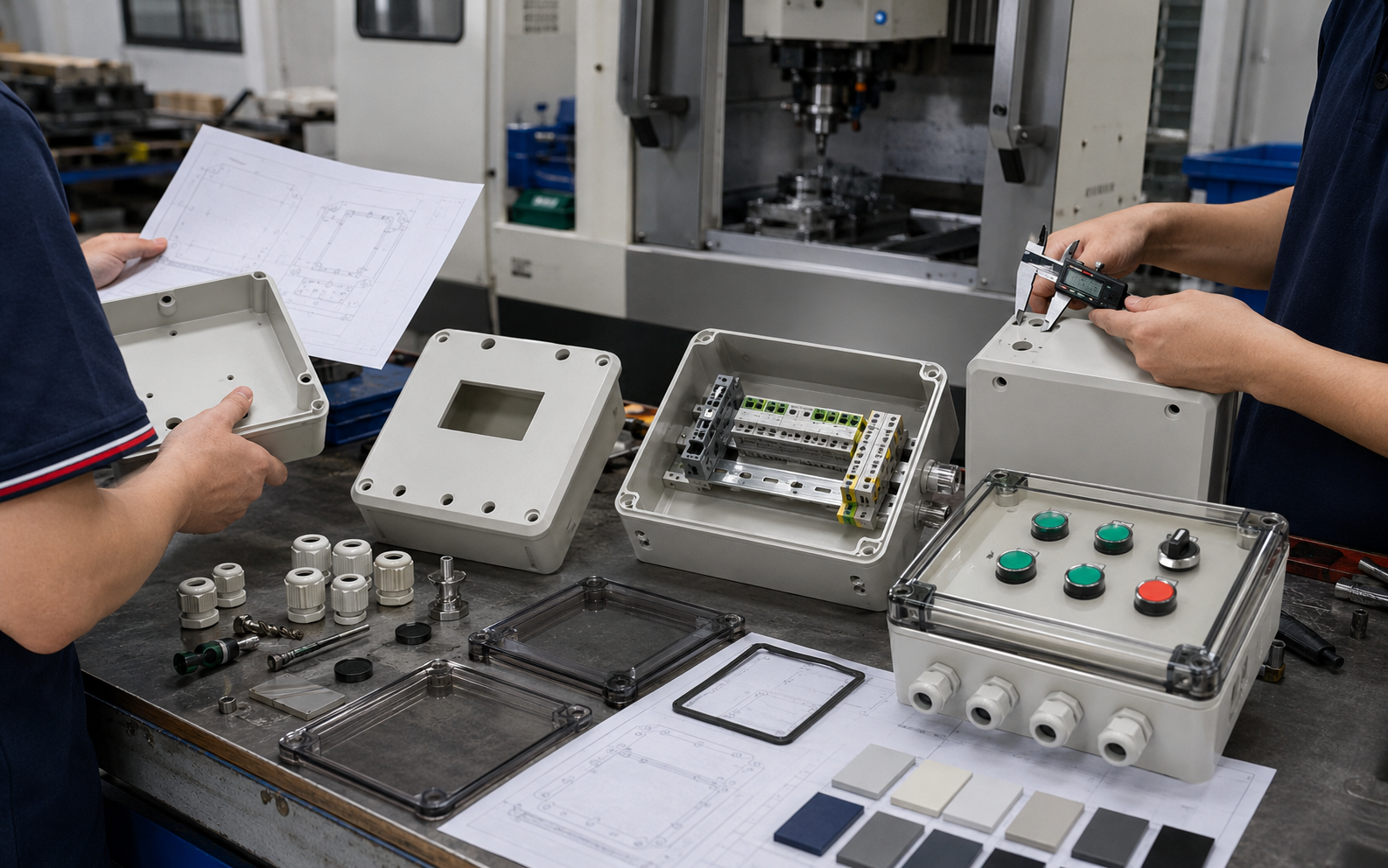
Standard enclosures are suitable when the dimensions and button configuration match the equipment. For OEM applications, however, customization may be required.
Common customization options include:
- Custom enclosure dimensions
- Button and switch openings
- Emergency stop openings
- Custom cable entry holes
- Mounting holes
- Custom colors
- Logo printing and marking
Providing drawings, button dimensions, cable specifications, and mounting requirements can help the manufacturer evaluate the project more accurately.
Why Choose BOWO for Push Button Enclosures?
BOWO Electric provides electrical enclosure solutions for industrial, outdoor, and OEM applications.
Push button box configurations can be evaluated according to the required button arrangement, enclosure size, IP protection, material, cable entry, and mounting method.
For customized projects, BOWO can work from technical drawings, 3D models, product samples, or basic dimensional information to develop a suitable enclosure configuration.
Push Button Box Selection Checklist
- Number and type of buttons
- Enclosure dimensions
- Required IP rating
- Material
- Cable entry requirements
- Mounting method
- Operating environment
- Customization requirements
- Order quantity
Looking for a Push Button Box?
If you are sourcing push button boxes, waterproof push button enclosures, or custom control boxes for industrial equipment or OEM projects, BOWO Electric can help evaluate your requirements.
Send us your required dimensions, button configuration, IP rating, quantity, and customization requirements to discuss a suitable solution.